
How Sabah SMEs Save 10+ Hours a Week With AI

Quick Summary
- Most SME time sinks are admin: emails, quotes, repeated customer replies and reports.
- AI assistants like ChatGPT, Claude and Gemini cut a 20-minute email or quote to about 3 minutes.
- NotebookLM answers questions from your own documents - ideal for SOPs, manuals and contracts.
- Copy the workflows in this post and a typical owner reclaims 10+ hours every week.
Let me be honest with you. Most small business owners in Sabah are not short on ideas. They are short on hours. You open at 9, you serve customers all day, and by the time the shop is quiet you still have quotes to send, messages to reply, and a report someone is waiting for. That is where AI actually helps. Not as some futuristic robot, but as a fast assistant that handles the boring writing so you can get home for dinner.
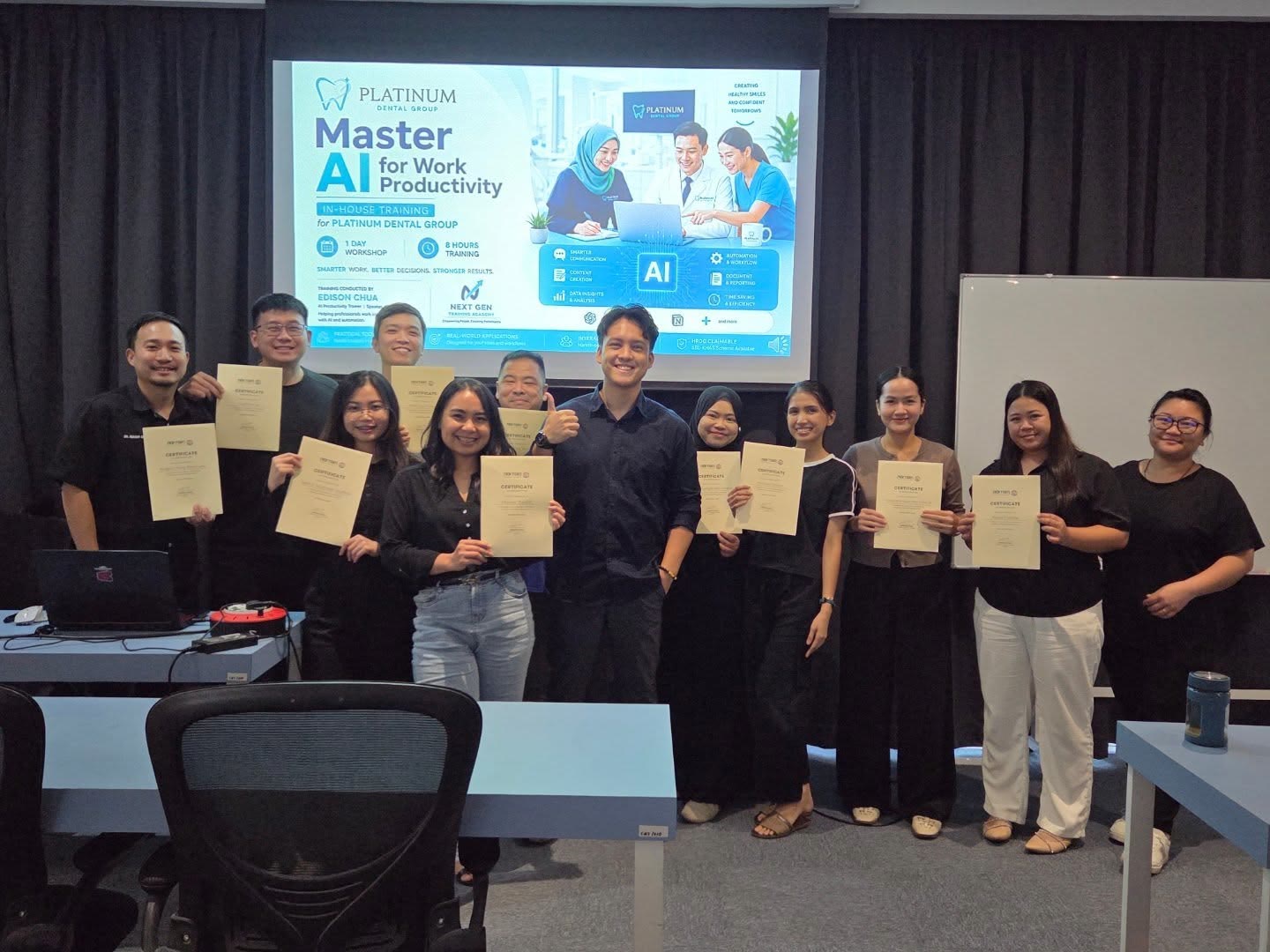
I run AI training for businesses here in Sabah, and I see the same thing every week. People think AI is complicated. It is not. The tools are free or cheap, they work in plain English (and they understand Malay too), and you can start today. Below is exactly how a typical small business owner or admin can claw back ten hours or more every single week.
First, look at where your hours actually go
Before you automate anything, be brutally honest about your week. When I sit with business owners, the time sinks are almost always the same. Replying to the same customer questions over and over. Writing quotes and proposals from scratch. Drafting that email you have been avoiding. Reading a long document or contract and trying to pull out what matters. Writing captions for Facebook and Instagram. Putting together a monthly report from messy notes.
None of that is the actual work. That is the admin around the work. And admin is exactly what AI is good at. So let me walk you through the real workflows, the ones you can copy this week.
1. Drafting emails, quotes, and proposals
This is the easiest win. Instead of staring at a blank screen, you tell the AI what you need in one or two sentences. Something like: write a polite quote email to a customer for 50 units of product X at RM12 each, mention delivery takes 3 days, friendly but professional tone. Ten seconds later you have a solid draft. You read it, fix the price, change one line to sound more like you, and send.
Tools like ChatGPT, Gemini, and Claude all do this well. The trick is to give context. Tell it who you are, who the customer is, and the tone you want. The more you treat it like a new staff member you are briefing, the better the result. A task that used to take 20 minutes now takes 3.
2. Summarising long documents
You get a 15 page supplier contract, a long government circular, or a tender document. Reading it all takes an hour and you still might miss something. Paste it into the AI and ask: summarise the key points, list any deadlines, and tell me what I need to action. You get the gist in under a minute.
For this, a tool worth knowing is NotebookLM by Google. You upload your documents and it answers questions based only on those files, with sources. Great for SOPs, manuals, and anything where you need accurate answers from your own paperwork instead of the AI guessing. Just remember: always double-check anything legal or financial. AI gives you a fast first read, not the final word.
3. Customer replies and the same questions, again and again
If you sell anything, you answer the same questions all day. What time you open. Do you deliver to Kota Kinabalu. Is the item in stock. How much for bulk. You can build a set of ready replies with AI in 30 minutes, save them, and paste them when needed. Or you brief the AI once on your business details and have it draft a warm, clear reply each time a tricky message comes in.
This is where tone matters. Customers can smell a cold, robotic message. So you tell the AI to sound friendly and local, keep it short, and you read every reply before it goes out. AI drafts, you approve. That stays your rule.
4. Social media captions and content
Posting consistently is what kills most small business pages. You start strong, then life gets busy and the page goes quiet. AI fixes the writing bottleneck. Give it a photo description and a goal, like promote our weekend special, and ask for five caption options in a friendly tone with relevant hashtags. Pick one, tweak it, post it.
Want to go further. AI presentation tools can turn a few bullet points into a clean slide deck or simple one-pager in minutes, which is handy for proposals, pitches, or a quick product flyer. You are not designing anything by hand anymore. You are editing what the AI made.
5. Reports and recaps
End of month. You have sales notes, a few WhatsApp updates, and your own scribbles. Instead of writing the report cold, dump everything into the AI and ask it to organise this into a clear monthly summary with sections for sales, issues, and next steps. You get a structured draft to refine instead of a blank page to fear.
The realistic before and after
Here is roughly where a busy owner or admin gets their week back. These are typical, not guaranteed, but they match what I see in the room.
- Emails and quotes: from around 5 hours a week to under 2.
- Reading and summarising documents: from 3 hours to under 1.
- Customer replies: from 4 hours to about 1.5.
- Social media captions and content: from 3 hours to under 1.
- Monthly and weekly reports: from 2 hours to about 30 minutes.
Add that up and you are looking at ten hours or more, every week, that you no longer spend on admin. That is more than a full working day. Spend it serving customers, growing the business, or just resting, which most owners here badly need.
AI will not replace you. But a business owner using AI well will run circles around one who refuses to touch it.from Edison Chua
A few honest warnings
AI is confident even when it is wrong. So never send anything without reading it. Never paste sensitive customer data, IC numbers, or private financials into a public tool. And do not expect magic on day one. Like any tool, you get faster with practice. The owners who win are not the smartest. They are the ones who actually start.
Where to go from here
You can absolutely teach yourself this through trial and error. Plenty do. But if you would rather sit down for a day, learn the tools hands-on, and walk out already using them in your own business, that is exactly what we do at NextGen Training Academy in Penampang. Beginner-friendly, practical, and built for Sabah businesses. If you want a hand getting started, message us on WhatsApp at 011-3204 4931 and we will point you in the right direction.

Written by
Edison Chua
HRD Corp certified AI trainer and founder of NextGen Training Academy, Kota Kinabalu. Trains Malaysian businesses to put AI to work - hands-on, in plain language.



Want To Put This To Work In Your Business?
That's exactly what we teach, hands-on and HRDC-claimable.